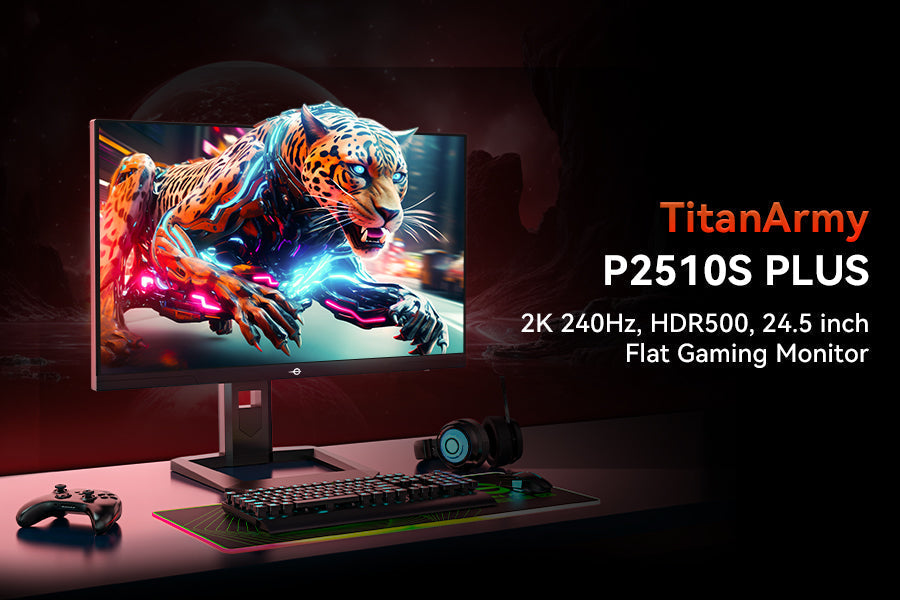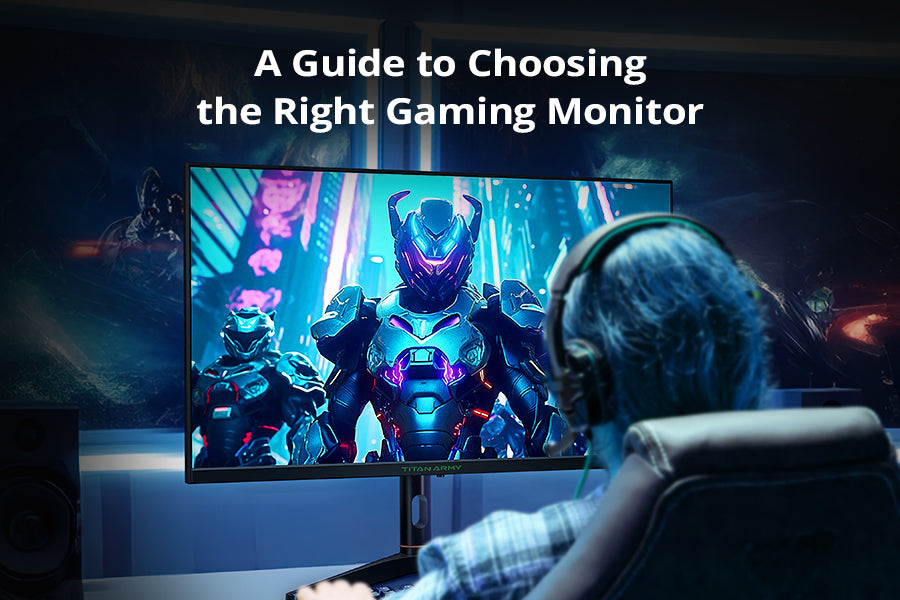
Ein optimales WM-Setup besteht nicht nur aus der Streaming-Quelle oder dem Lautsprechersystem. Die Darstellung ist genauso wichtig. Fußball ist schnell, visuell dicht und voller kleiner Momente, die auf einem durchschnittlichen Bildschirm leicht zu verpassen sind. Ein gutes Gaming-Monitor zum Ansehen von Sportübertragungen kann die Action flüssiger, das Bild schärfer und das Gesamterlebnis deutlich immersiver gestalten.
Deshalb ziehen immer mehr Zuschauer eine Monitor mit hoher Bildwiederholfrequenz, HDR-Monitoroder sogar ein 4K-Gaming-Monitor Für die Live-Übertragung von Spielen. Dieselben Funktionen, die beim Gaming von Vorteil sind – schnelle Reaktionszeit, flüssige Bewegungsdarstellung, lebendige Farben und besserer Kontrast – eignen sich auch hervorragend für Fußballübertragungen.
Dieser Leitfaden erklärt, worauf man bei einem Monitor für die WM-Übertragung achten sollte und hebt drei wichtige Aspekte hervor. TITAN ARMY Modelle, die unterschiedlichen Bedürfnissen gerecht werden: P276MS, P2712V, Und P275MV PLUSDie
Warum ein Gaming-Monitor sich gut zum Ansehen der Weltmeisterschaft eignet
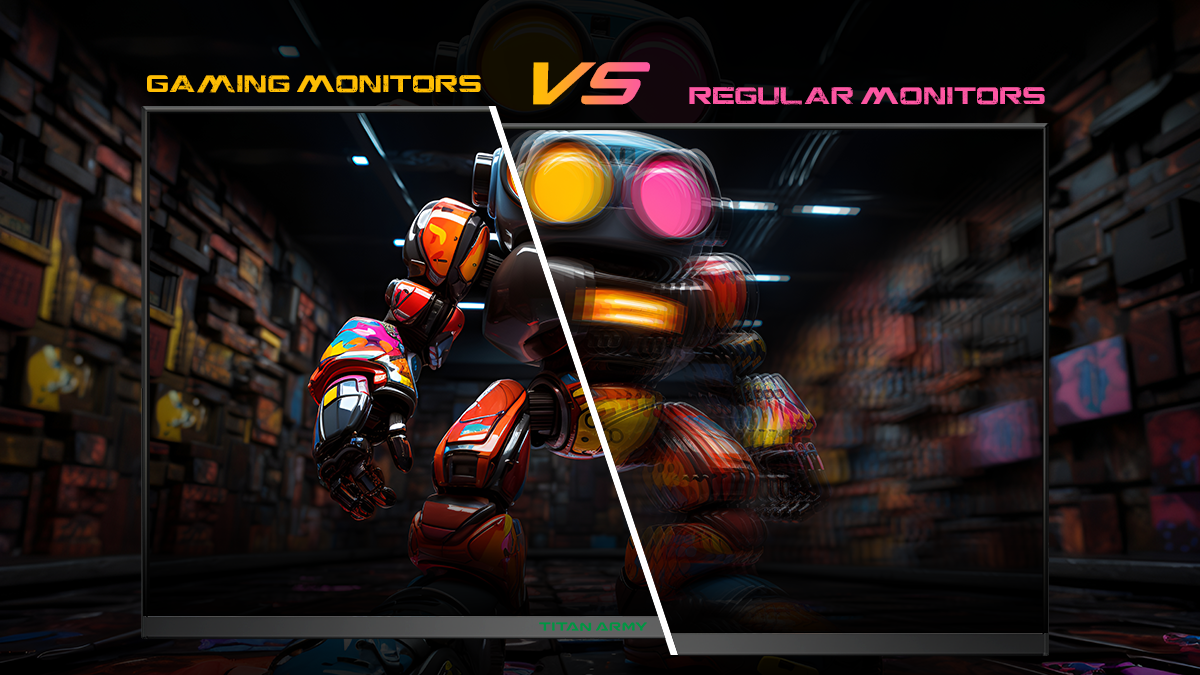
Fußball gehört zu den anspruchsvollsten Inhalten für einen Bildschirm. Die Kamera bewegt sich schnell, der Ball ändert blitzschnell die Richtung, und entscheidende Momente ereignen sich oft in Sekundenbruchteilen. Ein Monitor mit schwacher Bewegungsdarstellung kann diese Szenen unschärfer erscheinen lassen, als sie sein sollten. Ein hochwertiger Gaming-Monitor bietet vier praktische Vorteile:
1. Gleichmäßigere Bewegung
A Monitor mit hoher Bildwiederholfrequenz Dies kann die Darstellung von Bewegungen bei schnellen Kameraschwenks, Spielerläufen und rasanten Passsequenzen verbessern. Selbst bei Sportübertragungen kann diese zusätzliche Flüssigkeit das Verfolgen des Spiels einfacher und angenehmer machen.
2. Weniger Unschärfe in schnellen Szenen
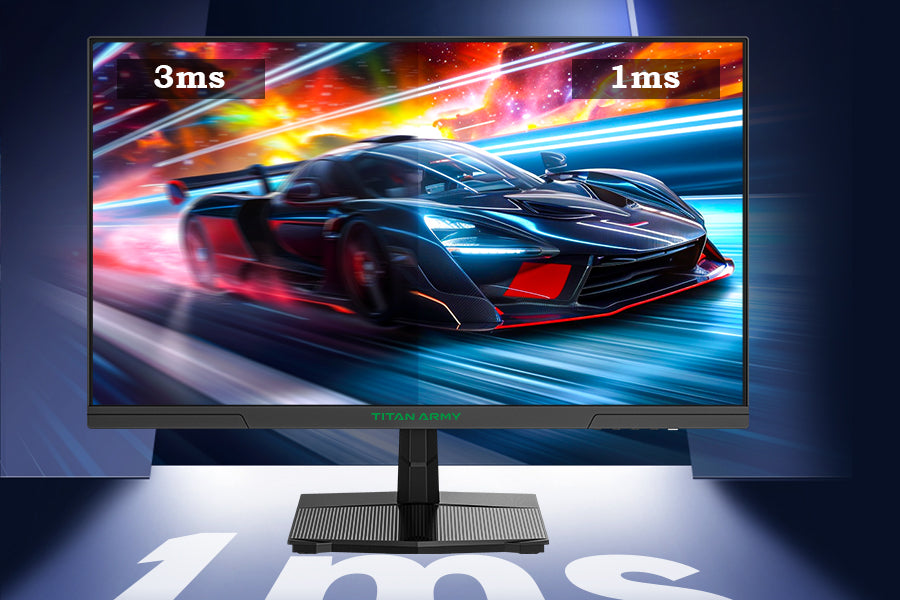
Schnelle Reaktionszeiten tragen dazu bei, sichtbare Nachzieheffekte und Bewegungsunschärfe zu reduzieren. Dies ist im Fußball von Vorteil, da der Bildschirm ständig schnelle Bewegungen anzeigt, insbesondere bei Spielübergängen, Torschüssen und Wiederholungen.

3. Bessere HDR-Wirkung
Ein HDR-Monitor für Sport Dadurch wirken Flutlicht, helle Lichtreflexe und dunklere Bereiche des Stadions realistischer. Ein besserer Kontrast trägt außerdem dazu bei, Spieler, Spielfeldbeschaffenheit und Schatten deutlicher voneinander abzugrenzen.
4. Lebendigere Farben und feinere Details
Fußballübertragungen sind farbenfroh – vom Spielfeld und den Trikots bis hin zu Grafiken und Zuschaueraufnahmen. Ein Monitor mit exzellenter Farbwiedergabe lässt das Bild natürlicher und fesselnder wirken, insbesondere bei längeren Betrachtungszeiten.

Worauf Sie beim Kauf des besten Monitors zum Fußballschauen achten sollten
Wenn Sie ein Display wünschen, das sowohl für Sportübertragungen als auch für Spiele gut geeignet ist, sollten Sie diesen Hauptmerkmalen Priorität einräumen.
Auflösung
A QHD-Monitor bietet ein deutliches Upgrade gegenüber 1080p, während ein 4K-Monitor liefert noch mehr Details. Beide können die Bildschärfe bei Weitwinkelaufnahmen des Stadions und Nahaufnahmen in Wiederholungen verbessern.
Aktualisierungsrate
A Gaming-Monitor mit hoher Bildwiederholfrequenz ist nicht nur für E-Sport nützlich. Es hilft auch bei der Bewegungsdarstellung im Sport, insbesondere bei schnellen Übertragungen.

Panel-Typ
Schnelle IPS-Monitore sind dank ihrer guten Betrachtungswinkel, Geschwindigkeit und Farbwiedergabe eine rundum gute Wahl. Mini-LED-Monitore Weiter in HDR und Kontrast gehen.
HDR und Helligkeit
HDR ist nicht gleich HDR. Spitzenhelligkeit und Hintergrundbeleuchtungssteuerung haben einen großen Einfluss darauf, ob HDR-Inhalte nur akzeptabel oder wirklich immersiv wirken.
Augenkomfort und Ergonomie
Geringer Blaulichtanteil, flimmerfreie Technologie und ein verstellbarer Standfuß sind wichtig, wenn Sie vorhaben, späte Spiele anzusehen oder den Monitor über viele Stunden am Stück zu benutzen.
Konnektivität und Zusatzfunktionen
Wenn Sie mehrere Geräte verwenden, stehen Ihnen Funktionen wie beispielsweise HDMI 2.1, Typ C, DisplayPort, PIP, Und PBP kann nützliche Flexibilität bieten.

Am besten TITAN ARMY Gaming-Monitore zum Ansehen der Weltmeisterschaft
TITAN ARMY P276MS: Optimal für eine ausgewogene QHD-Leistung
Der TITAN ARMY P276MS Gaming-Monitor ist bestens geeignet für Nutzer, die eine ausgewogene Darstellung für Fußball, Spiele und alltägliche Unterhaltung wünschen.
Es beinhaltet ein 27-Zoll-QHD-Fast-IPS-Panel mit 2560 × 1440 AuflösungEine Kombination aus Größe und Auflösung, die eine scharfe Bildqualität bietet, ohne für ein Desktop-Setup übertrieben zu sein. 3-seitiges rahmenloses Design trägt auch dazu bei, dass sich das Spielerlebnis auf dem Bildschirm während Live-Übertragungen intensiver anfühlt.
Seine größte Stärke ist die Bewegungsleistung. Das P276MS unterstützt eine native 240-Hz-Bildwiederholfrequenz mit Übertaktung bis zu 275 Hz, zusammen mit einem 1 ms MPRT-ReaktionszeitDas verleiht dem System eine Geschwindigkeit, die sowohl kompetitiven Spielen als auch schnellen Sportinhalten zugutekommt.
Hinsichtlich der Bildqualität unterstützt es HDR1000 und reicht bis zu 1200 Nits Im HDR-Modus gemäß den angegebenen Spezifikationen. Diese Helligkeitsstufe kann die Stadionbeleuchtung, Highlights und Wiederholungsszenen deutlich aufwerten.
Ein weiteres Highlight ist die Farbwiedergabe, die Folgendes unterstützt:
- 1,07 Milliarden Farben
- 100 % sRGB
- 99 % DCI-P3
- 99 % Adobe RGB
Weitere nützliche Funktionen sind:
- FreeSync-kompatible Unterstützung
- Flimmerfreie Technologie
- Modus für reduziertes Blaulicht
- 15 voreingestellte Modi
- Game Plus-Tools
- PIP/PBP-Split-Screen
- 100 × 100 mm VESA-Halterung
- Neigungsverstellung

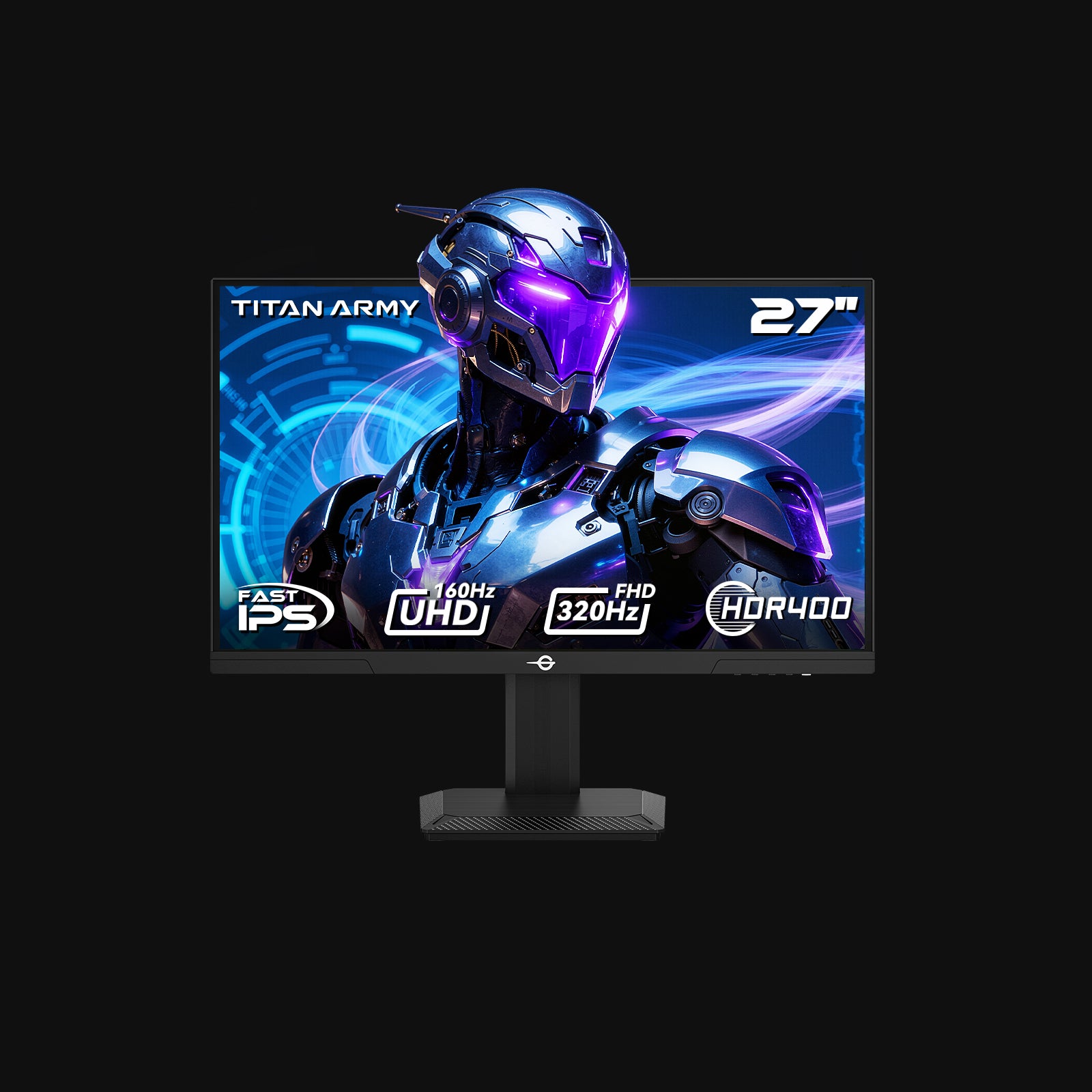
TITAN ARMY P2712V: Optimal für flexibles 4K- und High-Refresh-Switching
Der TITAN ARMY P2712V Gaming-Monitor ist ideal für Benutzer, die einfach zwischen hoher Auflösung und ultrahoher Bildwiederholfrequenz wechseln möchten.
Sein herausragendstes Merkmal ist Dualmodus-Umschaltung:
- 3840 × 2160 bei 160 Hz
- 1920 × 1080 bei 320 Hz
Das macht es besonders vielseitig. Man kann es verwenden 4K 160 Hz Für WM-Spiele, Filme und visuell aufwändige Spiele dann umschalten auf FHD 320 Hz für Wettkampfspiele.
Der Monitor verwendet einen Schnelles IPS-PanelEs bietet ein ausgewogenes Verhältnis von Geschwindigkeit, Klarheit und Betrachtungswinkel. Laut den aufgeführten Spezifikationen bietet es außerdem:
- ΔE < 2 Farbgenauigkeit
- 135 % sRGB-Farbvolumen
- 95 % DCI-P3-Abdeckung
- 8-Bit + FRC
- 1,07 Milliarden Farben
Es unterstützt HDR400, wodurch Kontrast und Helligkeit gegenüber der Standard-SDR-Wiedergabe verbessert werden können, allerdings ist es weniger fortschrittlich als HDR1000-Optionen.
Zu den weiteren Funktionen gehören:
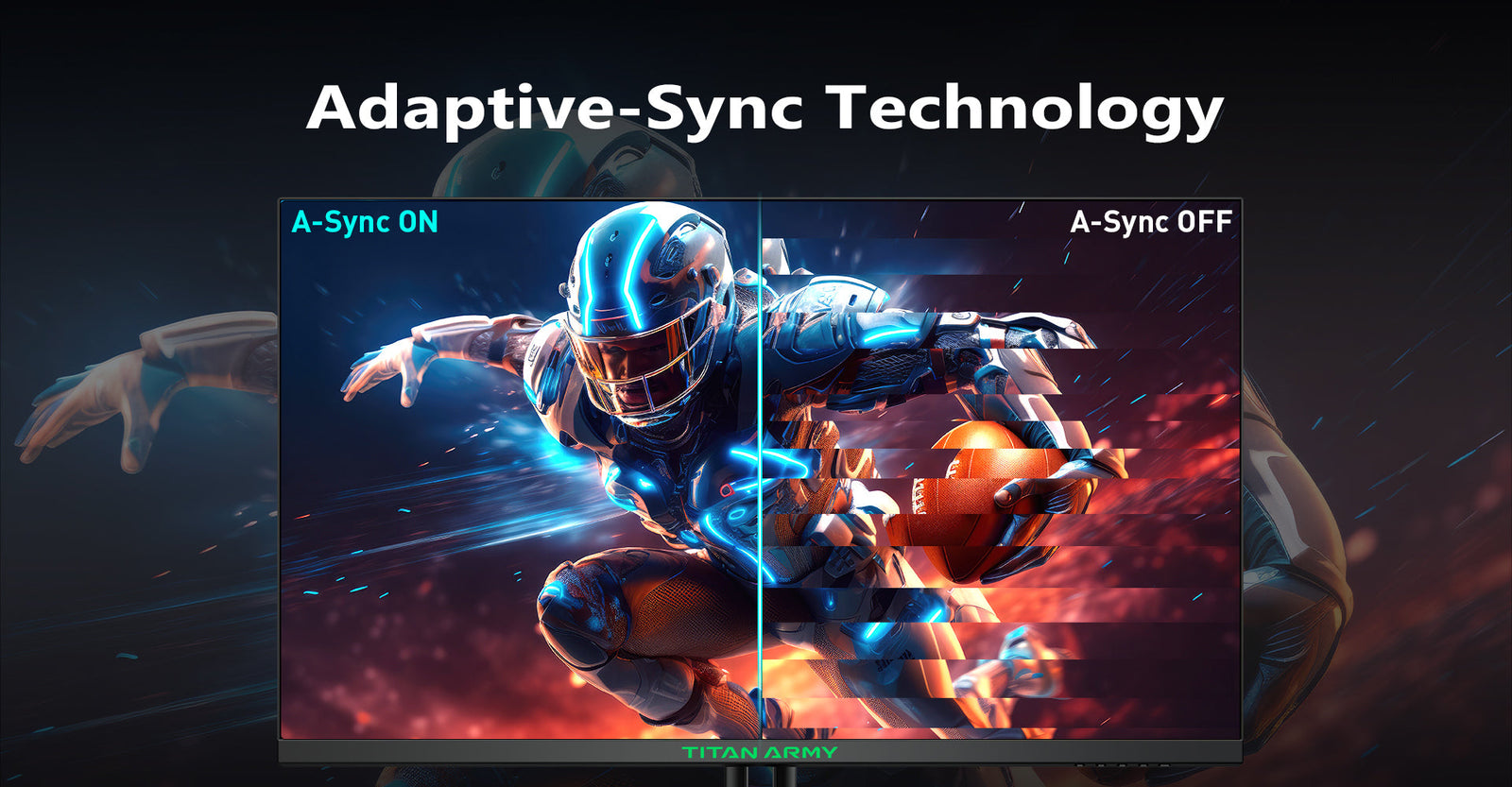
- Adaptive Synchronisierung
- Verbesserte Augenpflegetechnologie
- 12 intelligente Szenario-Modi
- PIP/PBP Dual-Host-Display
- Neigungs-, Schwenk- und 100-mm-Höhenverstellung
- 100 × 100 mm VESA-Unterstützung
- RGB-Gaming-Beleuchtung

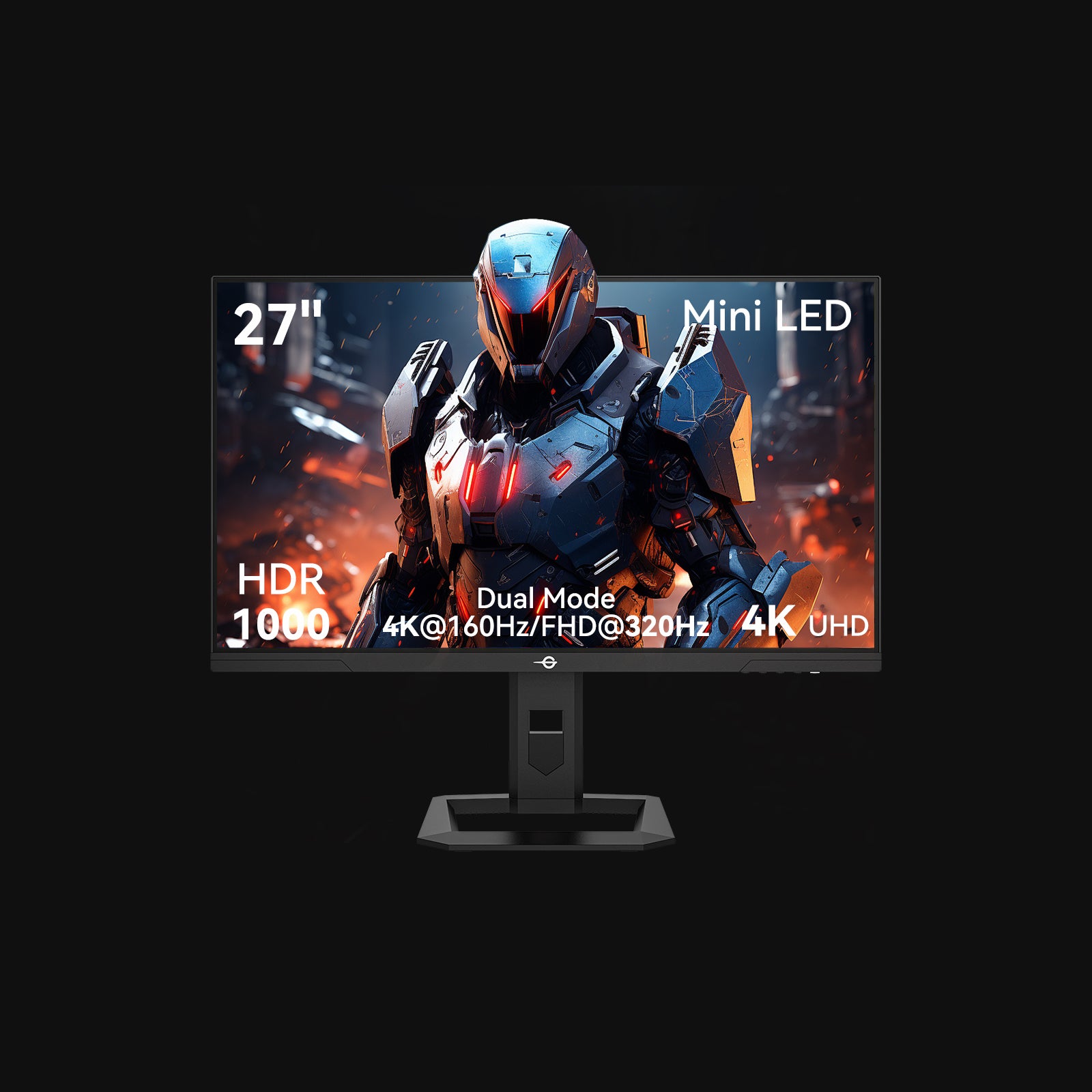
TITAN ARMY P275MV PLUS: Optimal für Premium-Mini-LED-Wiedergabe
Der TITAN ARMY P275MV PLUS Gaming-Monitor ist die hochwertigste der drei Optionen und richtet sich an Nutzer, die eine stärkere HDR-Leistung und ein kinoreiferes Seherlebnis wünschen.
Sein größter Vorteil ist der Mini-LED-Panel mit 1152 unabhängige DimmzonenDies ermöglicht eine präzisere Steuerung der Hintergrundbeleuchtung, was Kontrast, Helligkeit und Details in dunklen Szenen verbessert. Bei Fußballübertragungen wirken dadurch helle Stadionlichter, Schattenbereiche und Wiederholungen dynamischer und vielschichtiger.
Der Monitor umfasst außerdem TITAN ARMY'S DyDs-Technologie, mit DyDs/ULL Und DyDs/LD Modi, die entwickelt wurden, um die dynamische Klarheit und die Sichtbarkeit in dunklen Szenen in verschiedenen Szenarien zu verbessern.
Wie der P2712V unterstützt er zwei Auflösungsmodi:
- 4K bei 160 Hz
- FHD bei 320 Hz
Auch die Farb- und HDR-Spezifikationen sind stark:
- ΔE < 2
- 153 % sRGB-Farbvolumen
- 96 % DCI-P3-Abdeckung
- 8-Bit + FRC
- 1,07 Milliarden Farben
- HDR1000
Der Funktionsumfang ist ebenfalls umfassender und beinhaltet unter anderem:
- Adaptive Synchronisierung
- Technologie mit reduziertem Blaulichtanteil und flimmerfreier Technologie
- 15 intelligente Szenario-Modi
- PIP/PBP-Unterstützung
- Neigungs-, Schwenk-, Dreh- und 120-mm-Höhenverstellung
- 100 × 100 mm VESA-Halterung
- RGB-Ambientebeleuchtung
- USB-A, USB-B, HDMI 2.1, Typ-C und DP 1.4
- Eingebaute Dual-Lautsprecher
- TITAN Widget PC-Tool

TITAN ARMY Monitorvergleich zum Ansehen der Weltmeisterschaft
|
Modell |
Beste für |
Auflösung / Bildwiederholfrequenz |
Panel |
HDR |
Wichtigste Stärken |
|
TITAN ARMY P276MS |
Ausgewogene Kombination aus Sport, Gaming und täglichem Gebrauch |
2560 × 1440, native 240 Hz, OC 275 Hz |
Schnelles IPS |
HDR1000, bis zu 1200 Nits im HDR-Modus |
Sehr hohe Bildwiederholfrequenz, starke HDR-Helligkeit, großer Farbraum, QHD-Klarheit |
|
TITAN ARMY P2712V |
Nutzer, die sowohl 4K-Details als auch Geschwindigkeit auf E-Sport-Niveau wünschen. |
4K 160 Hz / FHD 320 Hz |
Schnelles IPS |
HDR400 |
Zweimodus-Flexibilität, 4K-Schärfe, starke Farbwiedergabe, ergonomische Anpassung |
|
TITAN ARMY P275MV PLUS |
Erstklassige Bildqualität und ein noch intensiveres HDR-Erlebnis |
4K 160 Hz / FHD 320 Hz |
Mini-LED |
HDR1000 |
1152 Dimming-Zonen, höherer Kontrast, stärkere HDR-Wirkung, umfassendere Anschlussmöglichkeiten |
Für das Verfolgen der Weltmeisterschaft kann ein Gaming-Monitor eine sinnvolle Aufrüstung sein. Hohe Bildwiederholraten, schnelle Reaktionszeiten, HDR-Unterstützung und eine hervorragende Farbwiedergabe tragen dazu bei, dass Fußballübertragungen flüssiger, klarer und immersiver wirken.
Noch wichtiger ist jedoch, TITAN ARMYDie Gaming-Monitore von [Markenname] bieten ein hervorragendes Verhältnis von Funktionen und Preis. Für Nutzer, die einen besseren Bildschirm für Sport, Gaming und Entertainment suchen, ohne dabei zu viel auszugeben, sind sie eine kostengünstige und empfehlenswerte Option.