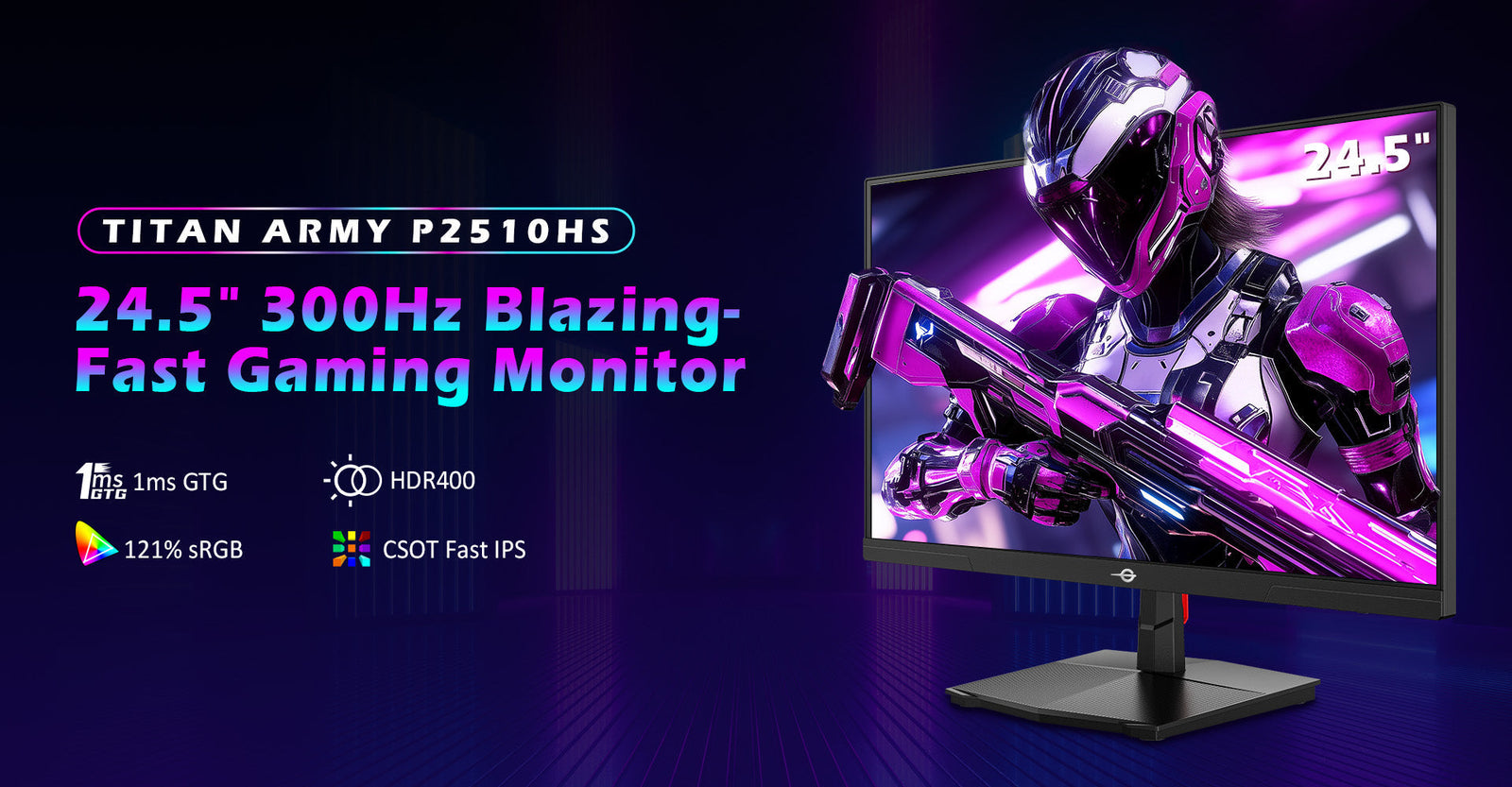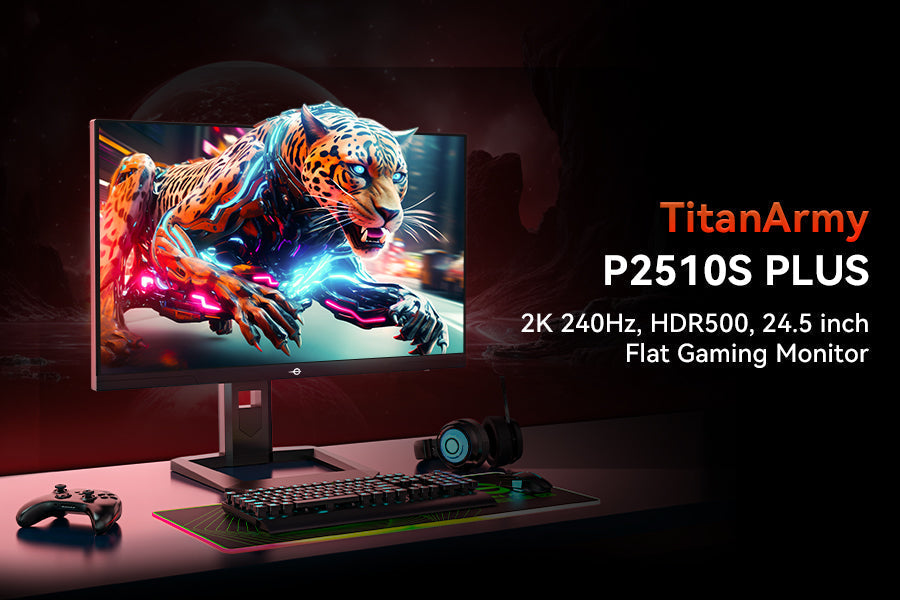
As the first quarter of 2026 unfolds, major competitive FPS games like Valorant and CS2 are launching new seasons. For many players, mechanical skill is no longer the sole factor causing rank plateaus; hardware limitations often create an invisible ceiling.
While upgrading a gaming setup is urgent for climbing the ranks, the financial investment required no longer needs to be exorbitant. Advanced panel technology has reshaped the market, making elite-level refresh rates accessible to everyone.
144Hz vs 240Hz Difference: Why 4.1ms Matters
Debates surrounding display technologies often center on whether the human eye can perceive extreme refresh rates. However, in competitive gaming, the metric that dictates success is not visual perception, but mathematical physical latency.
The Marginal Effect of Refresh Rate in FPS Games
To understand the core 144Hz vs 240Hz difference, one must look at frame time—the exact millisecond duration a single frame remains on the screen before the next is drawn. When holding a tight angle in CS2 or executing a micro-flick in Valorant, system latency dictates who lands the shot first.
| Feature | 144Hz Gaming Monitor | 240Hz Gaming Monitor | Impact on Gameplay |
| Frame Time | 6.94 milliseconds | 4.16 milliseconds | 2.8ms faster information delivery. |
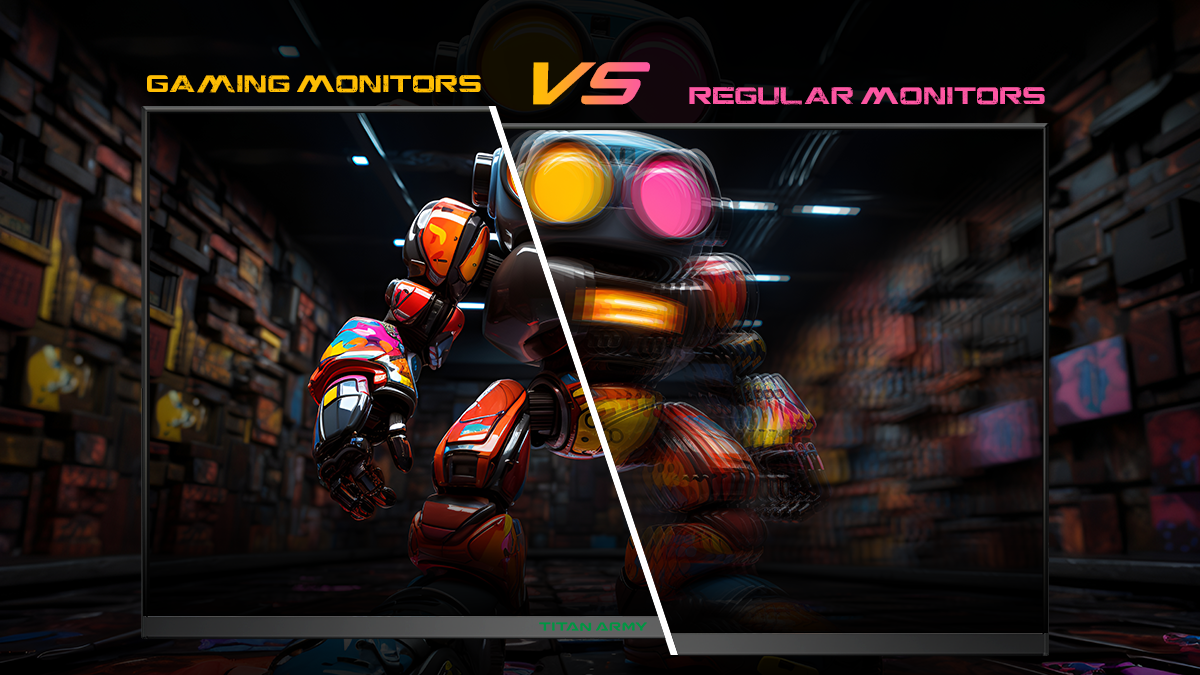
| Motion Blur | Noticeable in fast flicks | Minimal, sharper tracking | Easier to track moving targets accurately. |
| Input Lag | Standard baseline | Significantly reduced | Crosshair reacts closer to physical mouse movement. |
In high-stakes scenarios, this 2.8ms physical gap is the definitive line between securing a headshot and being eliminated. A 240Hz display feeds the GPU's output to the screen much faster, ensuring the player is reacting to the most up-to-date visual information possible.
Best Cheap Monitor for Students: 1080P/240Hz or 2K/144Hz?
When building an entry-level setup, the question of 1080P 240Hz vs 2K 144Hz inevitably arises. For students and budget-conscious gamers, maximizing every dollar requires a strategic understanding of hardware compatibility.
The GPU Bottleneck Rule
A common trap in PC building is prioritizing resolution over system synergy. Purchasing a 2K (1440p) display demands immense graphical processing power. If a mid-range GPU struggles to push 144 frames per second at 2K resolution, the resulting frame drops will introduce severe input lag and screen stuttering.
For the best cheap monitor for students focusing on esports titles, 1080P combined with 240Hz represents the perfect equilibrium. A standard modern GPU can easily generate over 200 frames per second at 1080P resolution in popular competitive esports titles. This guarantees the display is constantly fed with maximum data, ensuring optimal fluidity without requiring an expensive graphics card upgrade.
Why 2026 is the Era of the Budget Gaming Monitor
Historically, high refresh rates were heavily taxed premiums reserved for professional esports tournaments. In 2026, mature panel manufacturing and optimized supply chains have completely democratized this technology. A true budget 240Hz monitor now offers specifications that would have cost over $500 just a few years ago.
Meet the Titan Army C24A1H: Top-Tier Specs Under $150
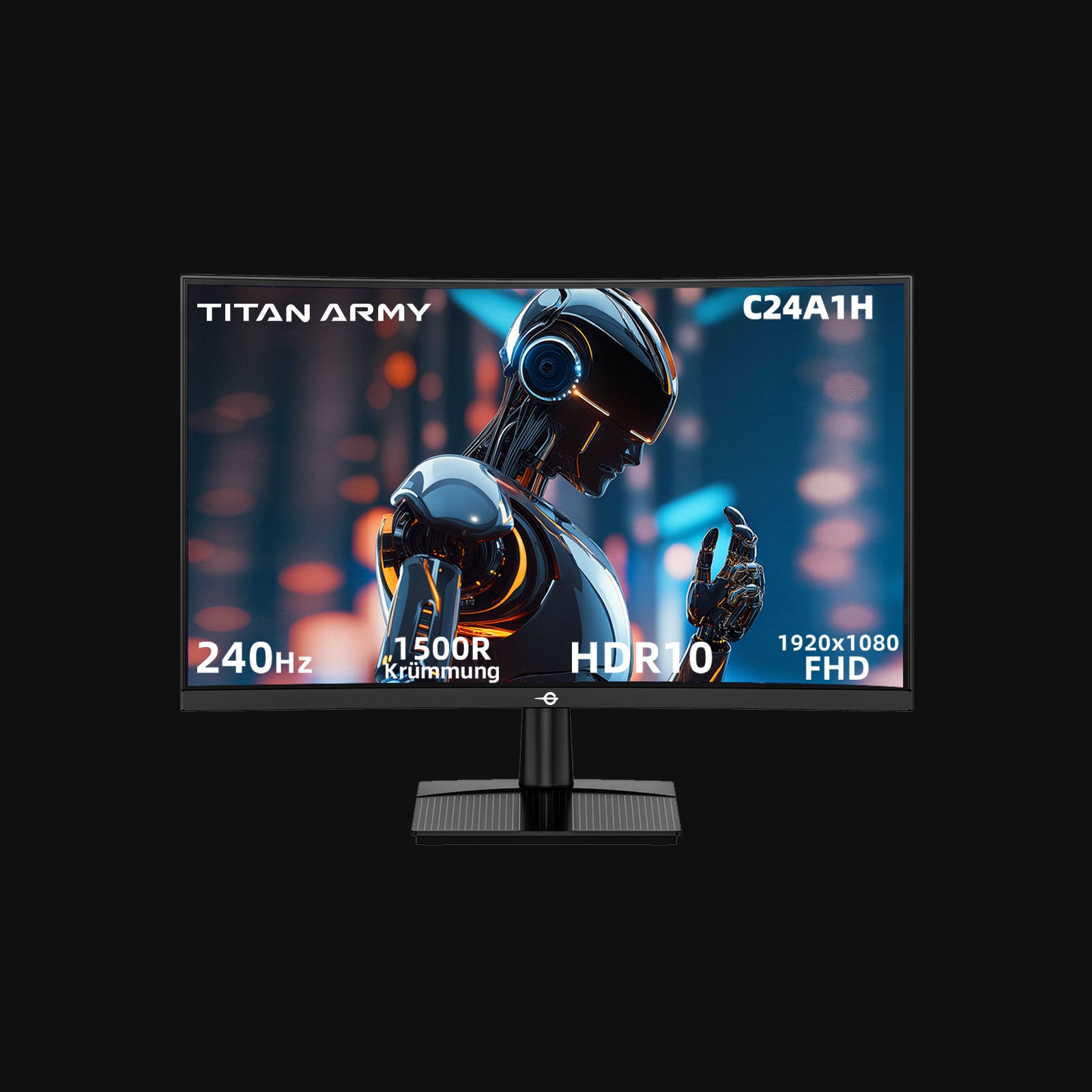
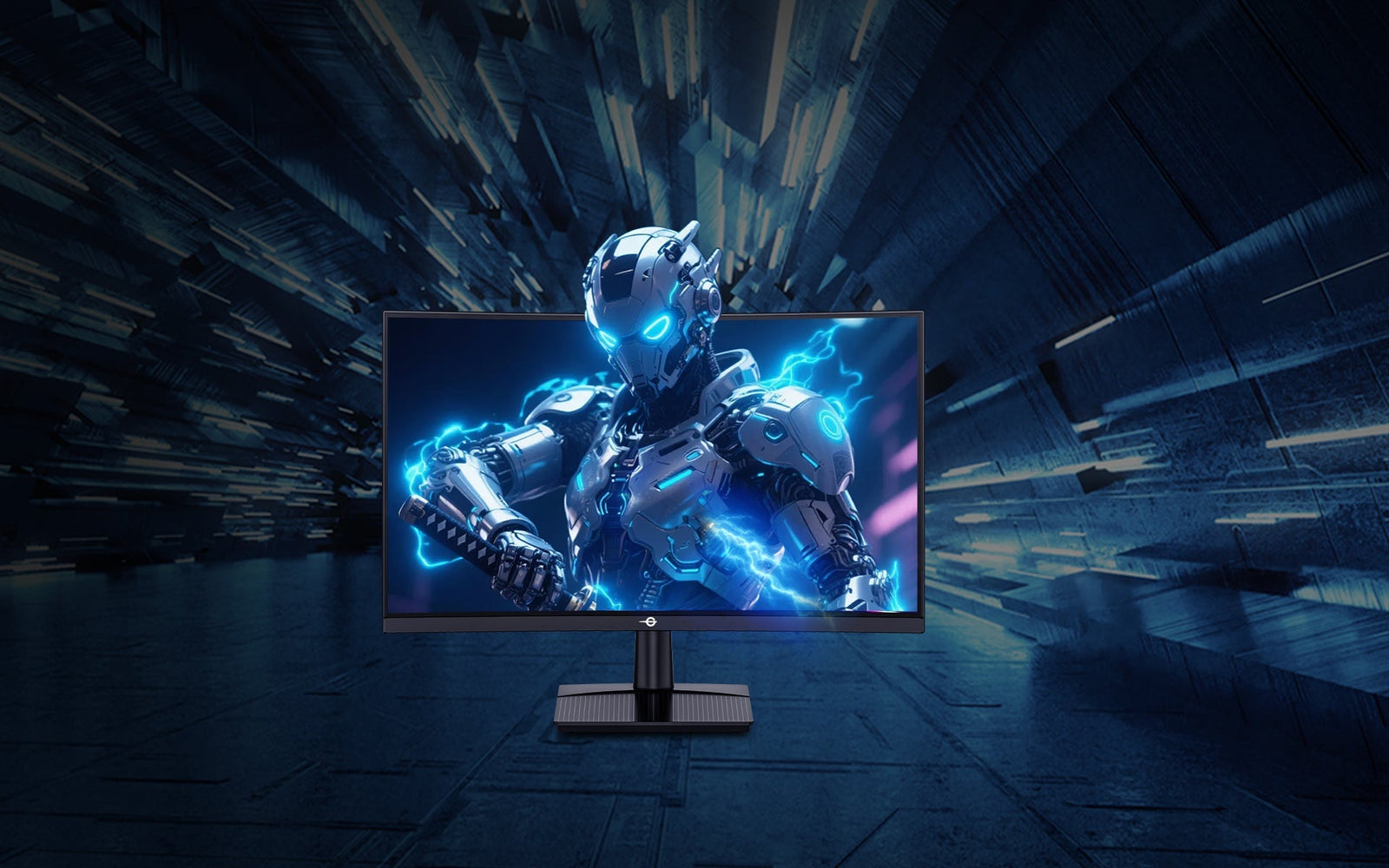
The industry standard for accessible high-performance displays is perfectly encapsulated by the Titan Army C24A1H. By breaking the €200 psychological barrier, this display delivers flagship-level responsiveness without compromising on visual fidelity or ergonomic design.

As a premier solution for competitive setups, the Titan Army C24A1H integrates essential esports features:
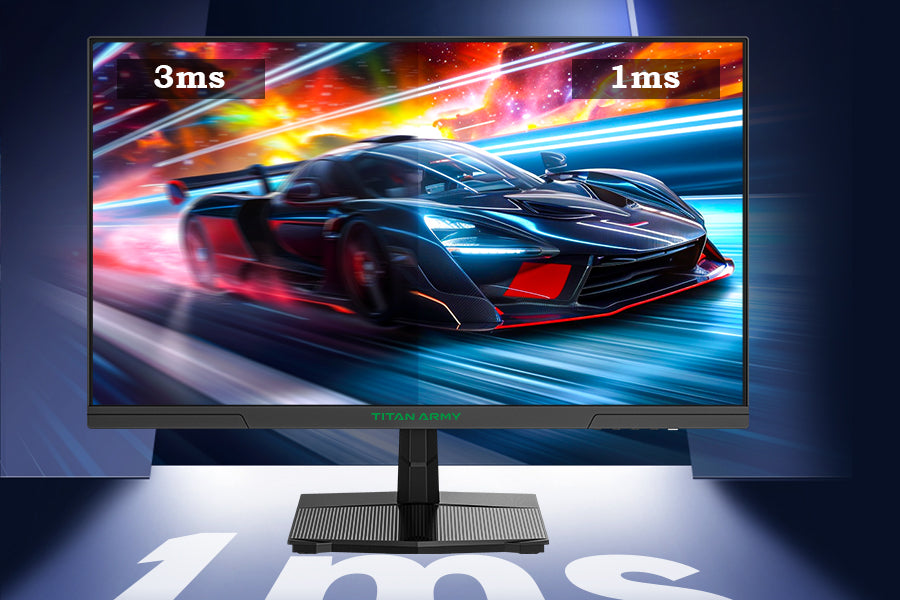
- Extreme Speed: Equipped with a 240Hz refresh rate and a blistering 1ms MPRT Response Time, the panel significantly minimizes ghosting and smearing, rendering fast-moving objects with breathtaking clarity.
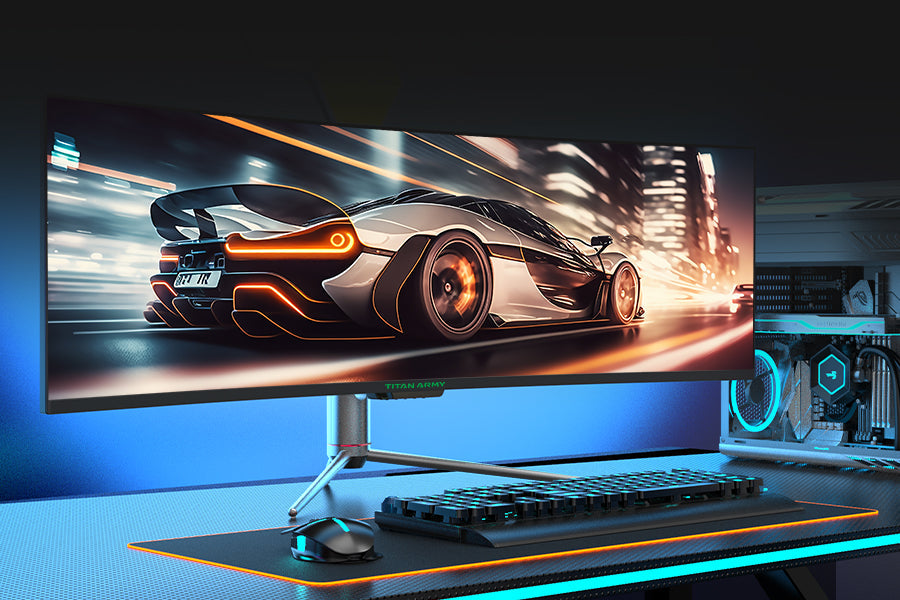
- Immersive 1500R Curved Monitor: The 23.6-inch display utilizes a 1500R curvature, matching the natural contour of the human eye. This shortens the peripheral viewing distance, improving multitasking efficiency and drawing players deeper into the environment.
- Vivid Visuals: Featuring 1920x1080 FHD High Resolution and HDR10 support, it delivers 96% sRGB color gamut coverage and a 3000:1 contrast ratio. Three preset HDR modes (Auto, Game, Movie) ensure realistic visual effects.
- Tactical GAME+ Optimization: Built-in gaming assistance offers 10 scenario modes (including FPS, MOBA, and RTS/RPG), optimizing on-screen contrast for specific gaming environments.
- Eye Care Technology: Integrated Low Blue Light technology filters harmful emissions, significantly reducing eye strain during extended competitive sessions.
3-Step Checklist to Unlock Full 240Hz Performance
Acquiring a high-end display is only the first step. Many users unknowingly run their premium equipment at standard 60Hz settings due to improper configuration. Follow this operational checklist to ensure zero bottlenecks.
Step 1: Use the correct cable.
Standard HDMI cables often lack the bandwidth for maximum refresh rates. Always use a DisplayPort 1.2+ or an HDMI 2.0+ cable connected directly to the dedicated GPU, not the motherboard.
Step 2: Change Windows Display Settings.
Hardware does not scale automatically. Navigate to System > Display > Advanced Display Settings. Locate the "Refresh Rate" drop-down menu and manually select "240Hz".
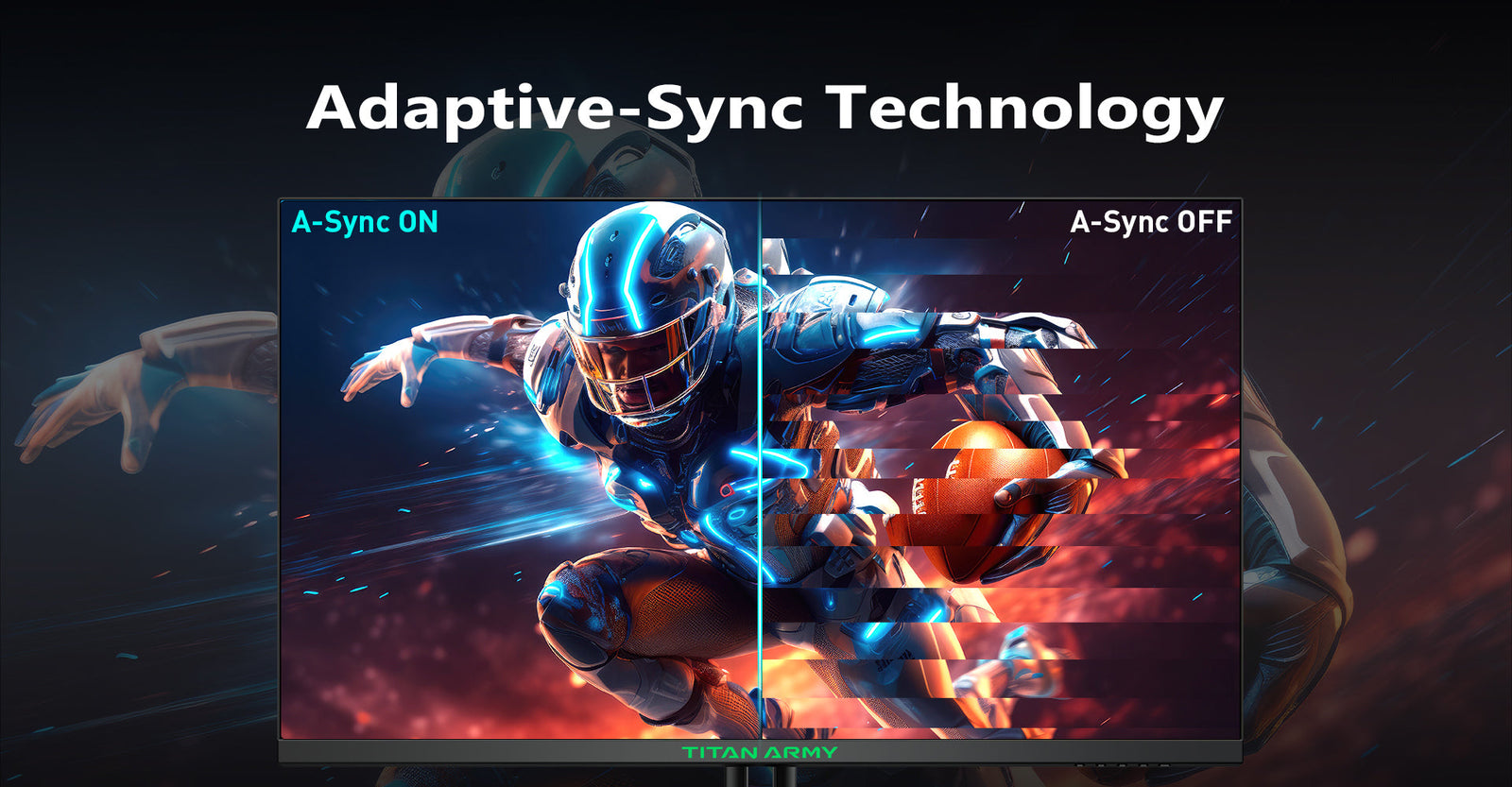
Step 3: Enable Adaptive Sync.
Access the AMD or NVIDIA control panel and activate FreeSync/G-Sync compatibility. This synchronizes the monitor's refresh rate with the GPU's frame output, preventing screen tearing without introducing heavy V-Sync input lag.
FAQ: Quick Answers for Budget Gamers
Can I run a 240Hz monitor on an older GPU?
Yes, but you need to lower your in-game graphics settings (like shadows and textures) to ensure your FPS hits 240 to match the refresh rate.
Is a curved monitor good for competitive gaming?
Yes. A moderate curve (like 1500R) matches the natural curvature of the human eye, reducing eye strain and improving peripheral vision tracking in FPS games.
Does 1ms response time really matter?
Absolutely. A 1ms response time drastically reduces ghosting and smearing behind fast-moving objects, which is critical for aiming accuracy in competitive gaming.
Conclusion
In 2026, limited funds are no longer a valid excuse for compromising on competitive hardware. The mathematical advantage of jumping from 6.9ms to 4.1ms frame times is undeniable, providing the tangible reduction in input lag required to dominate modern FPS titles.
Do not let outdated gear become the bottleneck preventing a climb to the Diamond rank this season. Upgrade the battle station today with the Titan Army C24A1H to experience flawless 240Hz performance and 1ms responsiveness for under $150.